Every day, students photograph lecture notes, office workers scan contracts, and researchers digitize old papers — and almost always, the result is a static JPG image. The problem? You can’t edit, search, or copy text from a picture. That’s where converting JPG to DOCX comes in.
A JPG is a compressed image file, while a DOCX is an editable Microsoft Word document. Turning one into the other requires more than a simple file-format swap — it requires Optical Character Recognition (OCR), technology that reads the text inside an image and turns it into real, editable words. That’s exactly what FileToConvert.com does: it takes your JPG, runs it through OCR, and hands you back a clean, editable Word file — free, fast, and without installing any software.
In this guide, we’ll walk through what JPG and DOCX files actually are, why you’d want to convert between them, how to do it in a few clicks, and how to get the most accurate results.
What is a JPG File?
JPG (or JPEG) is one of the most widely used image formats on the web and in digital photography. A few key things to know about it:
- Image format – JPG stores visual data as pixels, not as text. To a computer, a photo of a page of text looks the same as a photo of a sunset: just a grid of colored pixels.
- Compression – JPG uses “lossy” compression, which shrinks file size by discarding some image detail. This keeps files small and easy to share, though very high compression can blur fine text.
- Common uses – Photos, scanned documents, screenshots, social media images, and phone camera captures.
- Advantages – Small file size, universal compatibility, quick to view and share across virtually any device or platform.
- Limitations – Text inside a JPG isn’t selectable, searchable, or editable. If you need to change even one word in a scanned document, you’d normally have to retype the entire thing — unless you convert it first.
What is a DOCX File?
DOCX is the default file format for Microsoft Word, and it’s built for a completely different purpose than JPG.
- Microsoft Word format – DOCX is a structured, XML-based format that stores actual text, not just pixel data.
- Editable text – Every word, sentence, and paragraph can be selected, edited, deleted, or rewritten instantly.
- Formatting – DOCX supports fonts, headings, bullet points, tables, styles, and page layout — all the tools needed to produce a polished document.
- Collaboration – DOCX files work seamlessly with track changes, comments, and real-time co-editing in tools like Microsoft Word and Google Docs.
- Compatibility – Virtually every word processor, office suite, and business tool can open and edit DOCX files, making them the standard for professional and academic documents.
Why Convert JPG to DOCX?
Converting an image into an editable Word document solves a very common problem: information trapped in a picture. Here’s why people do it:
- Edit scanned documents – Update a scanned contract, form, or letter without retyping it from scratch.
- Copy text easily – Select and copy any sentence, paragraph, or section directly from the converted file.
- Reuse content – Repurpose text from old printed materials, books, or handouts into new documents.
- Reduce manual typing – Skip the tedious process of transcribing a photographed page word by word.
- Better document management – Store, organize, and search your files by text content instead of relying on filenames or memory.
- Share editable files – Send colleagues or classmates a file they can actually annotate and revise, not just view.
How to Convert JPG to DOCX Using FileToConvert
Converting an image to a Word document with FileToConvert.com takes less than a minute:
- Open FileToConvert.com in any browser on your desktop or mobile device.
- Upload your JPG image by dragging it into the converter or selecting it from your device.
- OCR extracts the text automatically, analyzing the image and identifying readable characters and layout.
- Click Convert to generate your Word document from the extracted text.
- Download your DOCX file, ready to open, edit, and share immediately.
No sign-up, no software downloads, and no waiting — just upload, convert, and download.
Features of FileToConvert JPG to DOCX Converter
FileToConvert.com is built to make image-to-Word conversion simple and accessible for everyone:
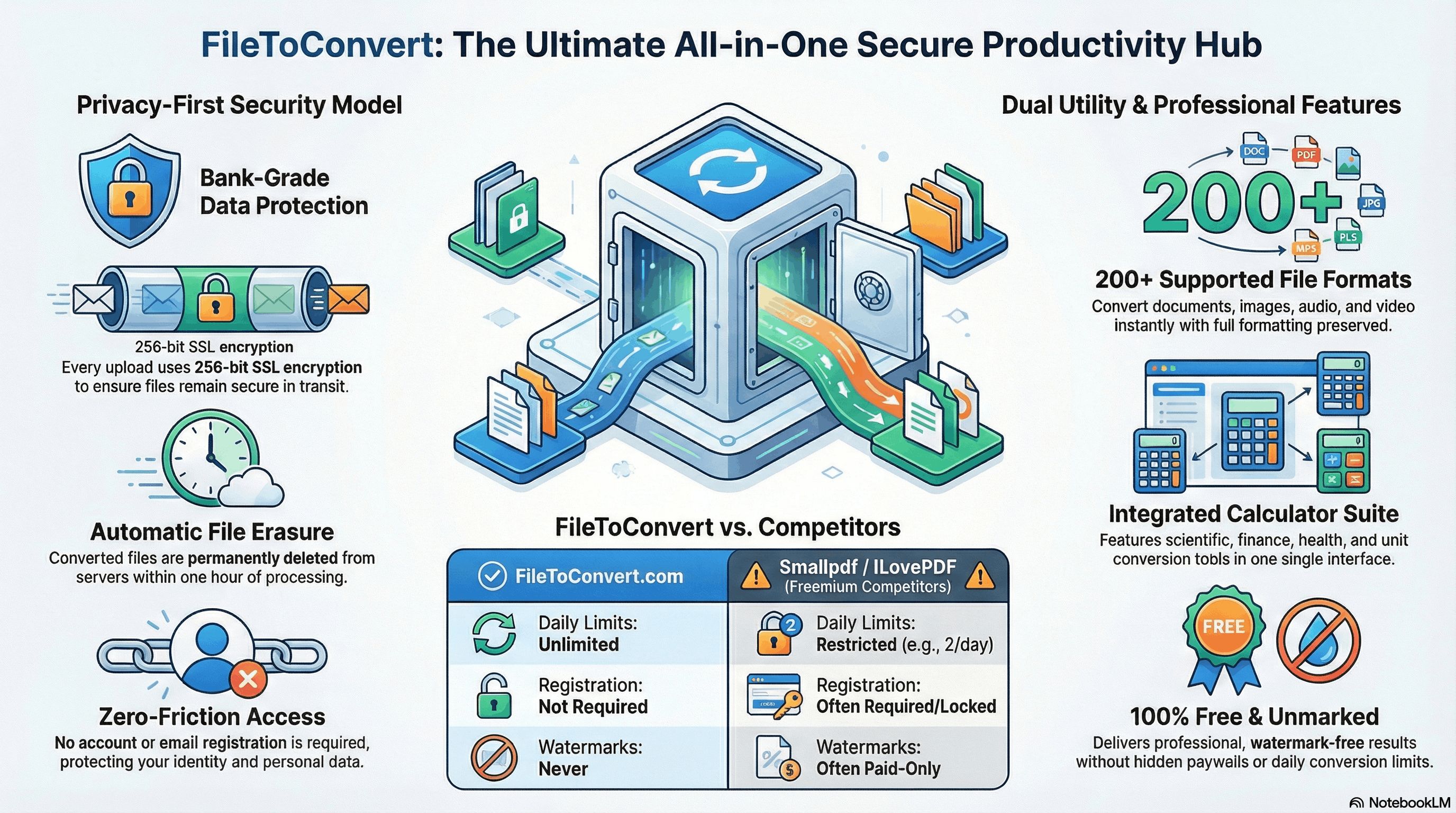
- Completely free to use, with no hidden charges.
- No registration required — no accounts, no email sign-ups.
- Fast conversion, typically completed in seconds.
- Built-in OCR support for accurate text extraction.
- Secure processing, so your files stay protected during conversion.
- Cross-device compatibility, working smoothly on desktop and mobile.
- Fully browser-based, so nothing needs to be installed.
- High-quality output that preserves readable formatting.
- Support for multiple images, letting you convert several pages in one session where needed.
Benefits of OCR
OCR is the technology that makes JPG-to-DOCX conversion possible in the first place. Here’s what it brings to the table:
- Text recognition – OCR scans the image pixel by pixel and identifies letters, numbers, and symbols.
- Editable output – Once recognized, that text becomes fully editable in your DOCX file.
- Supports scanned documents – Old paperwork, printed notes, and photographed pages can all be digitized.
- Saves time – Eliminates hours of manual retyping for long documents.
- Improves productivity – Frees up time for reviewing and refining content instead of transcribing it.
Common Use Cases
People convert JPG images to DOCX files for all kinds of everyday and professional reasons:
- Scanning assignments and homework for digital submission
- Digitizing office paperwork and internal memos
- Making contracts editable for revisions
- Converting invoices into templates that can be reused
- Extracting text from photographed pages of books
- Turning handwritten or printed notes into searchable documents
- Organizing receipts for expense tracking
- Digitizing paper forms for easier processing
- Converting scanned research papers for citation and editing
JPG vs DOCX
| Feature | JPG | DOCX |
|---|---|---|
| File type | Image | Document |
| Editable | No | Yes |
| File size | Generally smaller | Varies, often larger with formatting |
| Searchable | No (unless OCR applied) | Yes |
| Printing | Good for visuals | Good for text-based documents |
| Sharing | Easy, universally viewable | Easy, but needs compatible software |
| Formatting | None (fixed image) | Rich text formatting supported |
| Best use | Photos, screenshots, visuals | Editable text documents, reports, letters |
Tips for Better OCR Results
To get the most accurate JPG-to-DOCX conversion, keep these tips in mind:
- Use high-resolution images — sharper source images produce more accurate text recognition.
- Ensure proper lighting when photographing documents, avoiding shadows or glare.
- Keep scans straight — a tilted or skewed photo can confuse OCR software.
- Use clear, standard fonts where possible, since decorative or handwritten fonts are harder to recognize.
- Avoid blurry images — motion blur or poor focus significantly reduces accuracy.
- Crop unnecessary areas so OCR focuses only on the relevant text, not background clutter.
Frequently Asked Questions
Is JPG to DOCX conversion free? Yes. FileToConvert.com lets you convert JPG images to DOCX files at no cost, with no hidden fees.
Is OCR accurate? OCR accuracy is generally high for clear, well-lit, high-resolution images with standard printed fonts. Accuracy can drop with blurry photos or unusual fonts.
Can handwritten notes be converted? Neatly written handwriting may be recognized to some extent, but OCR is most reliable with printed or typed text.
Is my file secure during conversion? Yes. Files uploaded to FileToConvert.com are processed securely and are not shared with third parties.
Does it work on mobile devices? Yes. The converter is fully browser-based and works on smartphones, tablets, and desktop computers alike.
Is any software installation required? No. Everything runs directly in your web browser — no downloads or installations needed.
Can I convert JPEG files as well as JPG? Yes. JPG and JPEG are the same format, and both are fully supported.
Does the original formatting remain intact? The converter preserves readable text formatting as closely as possible, though very complex layouts may need minor manual adjustment afterward.
Is there a file size limit? FileToConvert.com supports common image file sizes for everyday use; extremely large files may take slightly longer to process.
Can multiple images be converted at once? Yes, depending on your needs, multiple JPG images can be processed in a single session.
Conclusion
Converting JPG to DOCX turns static, uneditable images into flexible, searchable Word documents — saving time, reducing manual retyping, and making your files easier to manage and share. With OCR technology handling the heavy lifting, you get accurate, editable text in just a few clicks.
Ready to turn your images into editable documents? Try the free JPG to DOCX Converter on FileToConvert.com today and experience fast, secure, hassle-free conversion.